


How to do very cool beat?
- pro 8834
- 10 апр. 2022 г.
- 1 мин. чтения

In the last post, I only told you the basics. And in this post I will tell you exactly about the creation of a beat.


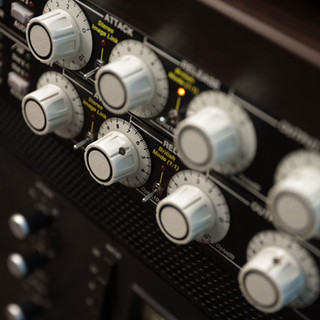


Rhythm matching
It all starts with a bitmap. Basically one bit takes up four MIDI tracks, nothing else. On the first bass, on the second music, on the third rhythm section, and on the fourth the so-called "stabilizer of everything else, BackBeat section"
Adding Bitfiles
Our base beat is the Clips folder. It holds the bass and our so-called "stabilizer for everything else, the BackBeat section". We go into it and select a melody and our BackBeat. Then we go into the Samples folder and look for an addition to all this.


Adding "samples"
Now all the support is on the Samples folder. We go in and choose a suitable melody or additional bass. Often the Samples folder is used on audio tracks. And in order to use this folder, you need to create one or two audio tracks.


уаыуаыууДаня лох
цукпрцкепшгрукщшпршщукрпзщкушгрпзщкушгпкуацкаа